Hi 👋, I am Petr  and I am proud owner of Volvo
 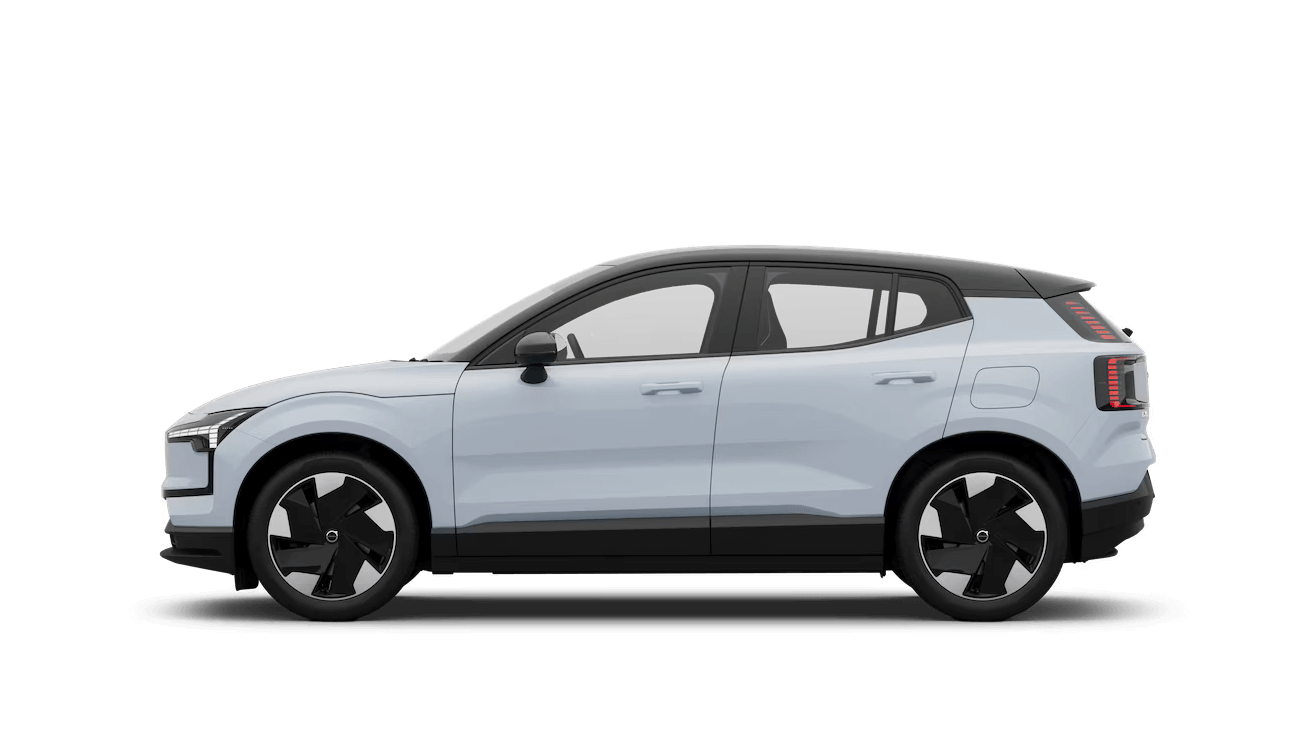 EX30.
EX30.
I love ❤️ the car and appreciate 🙏 the innovation behind it.
Here is issue #50 of 54 improvements 💡 that could make it better.
Issue Description
The Volvo's bottom toolbar is fixed with predetermined shortcuts that don't match individual user needs and usage patterns. The current layout includes: left side with last 3 opened applications, center Google Assistant button, and right side with camera, max windshield heating, and glovebox opening. This creates a significant waste of valuable screen real estate since many users rarely or never use these specific functions.
For users primarily using CarPlay or experienced/power users, the recent applications shortcuts are either irrelevant or uninteresting. The Google Assistant button is not needed by all users, and functions like maximum windshield heating and glovebox opening are selected features that some users may never use or use so rarely that they don't mind navigating through infotainment menus to access them. Meanwhile, users must navigate through deep infotainment menu structures for functions they use daily. This cannot work for everyone - users must have the choice to customize their toolbar.

Negative Impact of Current Solution
- Wasted Screen Space: Fixed shortcuts occupy valuable toolbar positions with functions most users rarely need
- Poor Personalization: One-size-fits-all approach ignores individual usage patterns and preferences
- Inefficient Access: Frequently needed functions are buried in menus while rarely used ones get prime toolbar positions
- CarPlay Incompatibility: Recent apps shortcuts become meaningless when using CarPlay exclusively
- Reduced Productivity: Users must navigate through multiple menus to access their most-used functions
- Frustrating User Experience: Cannot customize the interface to match personal driving and usage habits
- Underutilized Potential: The toolbar could accommodate many more useful shortcuts with proper customization
Proposed Solution
Implement a fully customizable bottom toolbar system with user-defined shortcuts:
- Optional Toggle Settings: Allow users to enable/disable recent applications display (if disabled, frees up 3 spaces for shortcuts) and Google Assistant button (if disabled, frees up 1 space for shortcuts) in vehicle settings
- Expandable Toolbar: When assistant and recent apps are disabled, expand available positions to up to 9 shortcuts
- Multi-page Toolbar: Implement swipe gesture to access additional toolbar pages for more shortcuts
- Comprehensive Action Library: Provide extensive list of available shortcuts including:
- Comfort parking mode
- Camera access
- Disable/enable driver attention monitoring
- Disable/enable speed limit warnings
- Trip information display (consumption data)
- Trunk opening
- Climate control on/off toggle
- Car wash mode activation
- One-pedal drive toggle
- Parking sensors on/off
- Any other infotainment functions
- Drag-and-Drop Customization: Allow users to easily reorganize and customize their toolbar layout
- Dynamic Context-Aware Shortcuts: When specific functions are needed (e.g., camera shortcut when reversing, comfort parking when vehicle is in parking mode), temporarily add these shortcuts at the beginning of the toolbar and shift user shortcuts accordingly
Positive Impact of Proposed Solution
- Personalized Efficiency: Users can access their most-needed functions with single taps instead of menu navigation
- Maximized Screen Utilization: Every toolbar position serves a purpose aligned with individual user needs
- Enhanced User Satisfaction: Customizable interface creates sense of ownership and improved usability
- Improved Safety: Quick access to frequently used functions reduces time spent navigating menus while driving
- Flexible Usage Scenarios: Different toolbar configurations for different driving contexts (city, highway, winter, etc.)
- Future-Proof Design: Customizable system can accommodate new features without interface redesign
- Competitive Advantage: Advanced personalization features differentiate Volvo from competitors with fixed interfaces
Negative Impact of Proposed Solution
- Initial Setup Complexity: Users may need time to configure their preferred toolbar layout
- Development Complexity: Implementing comprehensive customization system requires significant engineering effort
- Potential User Confusion: Too many customization options might overwhelm less tech-savvy users, but they do not have to opt in, so they would have the same user experience as today
Disclaimer
This website is not affiliated with, endorsed by, or in any way connected to Volvo Cars Corporation or any of its subsidiaries. I have no intention to parasitize on the Volvo brand or cause any damage to their reputation. The content on this website represents solely the personal opinions and experiences of the car owner. All views expressed are based on individual experience and should not be considered as official statements from Volvo Cars.
Volvo and all related trademarks are the property of their respective owners. This website is created for informational and educational purposes only, sharing personal automotive experiences and opinions. If you have any concerns regarding the content of this website, please contact us directly at p.homoky@gmail.com. I respect intellectual property rights and are committed to maintaining ethical standards in our content creation.